AutoSurface
Full-area surface coverage
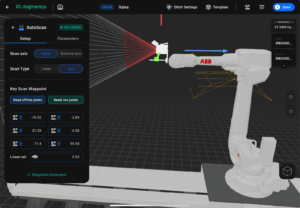
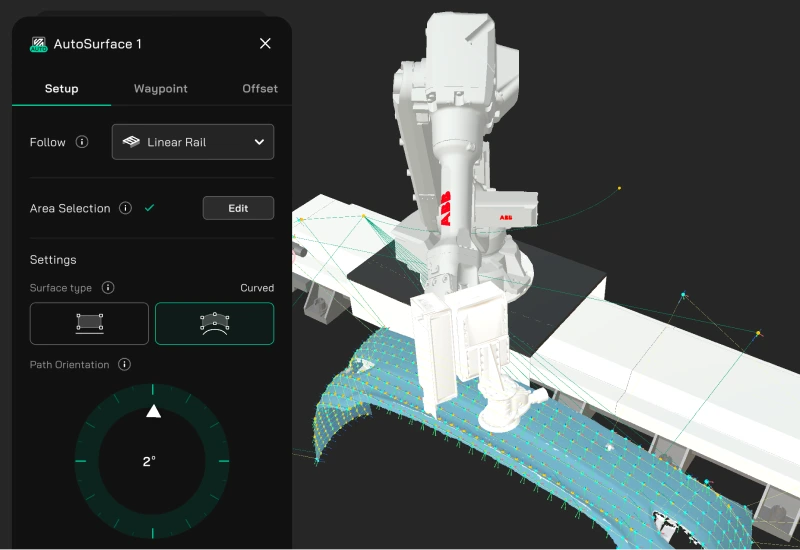
Select a surface area; it generates uniformly spaced waypoints that adapt to the curvature, with full-area coverage on flat or curved faces.
Standard turns robot programming from a specialist project into a routine step. Click the surfaces, edges, or patterns you want to treat — paths generate, collision-checked, on real robot hardware. No manual teaching, no CAD-and-teach loop.
Select surfaces, edges, or patterns and AutoGen generates conforming tool waypoints — no manual teaching.
Resolves reachability, singularity, and collision errors automatically before you run the path.
Plans Collision-free Transitions between path segments — no homing the robot or teaching transit moves.
Works directly from STEP CAD models with true boundary edges, or from 3D scan meshes you already have.
Exports native robot programs for ABB, FANUC, KUKA, Yaskawa, Kawasaki, UR, and Techman.
Standard is software-only. The path generation engine does the heavy lifting; you stay in control of intent.
Import a CAD model or a 3D scan mesh. Standard works directly with both: exact CAD geometry (STEP) and scanned meshes (OBJ).
Select surfaces, edges, or repeating patterns. The AutoGen family generates conforming tool waypoints from your selection.
PathOpt resolves reachability, singularity, and collision errors. Connector plans the moves between path segments. Export the program to your robot and run.
AutoGen is the family of path-generation modules at the core of Augmentus. Instead of jogging the robot through every waypoint, you select the geometry you want to treat and the module generates conforming tool waypoints. Three modules cover the common cases.
Select a surface area; it generates uniformly spaced waypoints that adapt to the curvature, with full-area coverage on flat or curved faces.
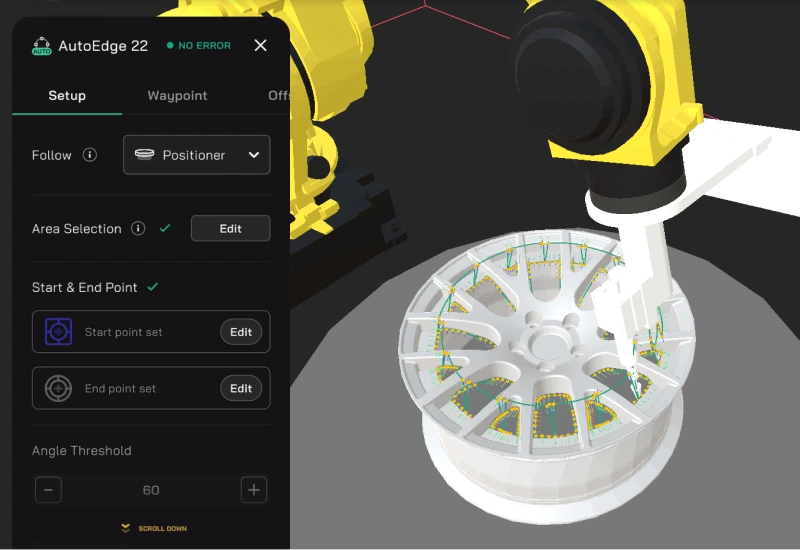
Select an edge; it generates waypoints that follow it. Works from STEP true edges, CAD meshes, and scanned meshes alike.
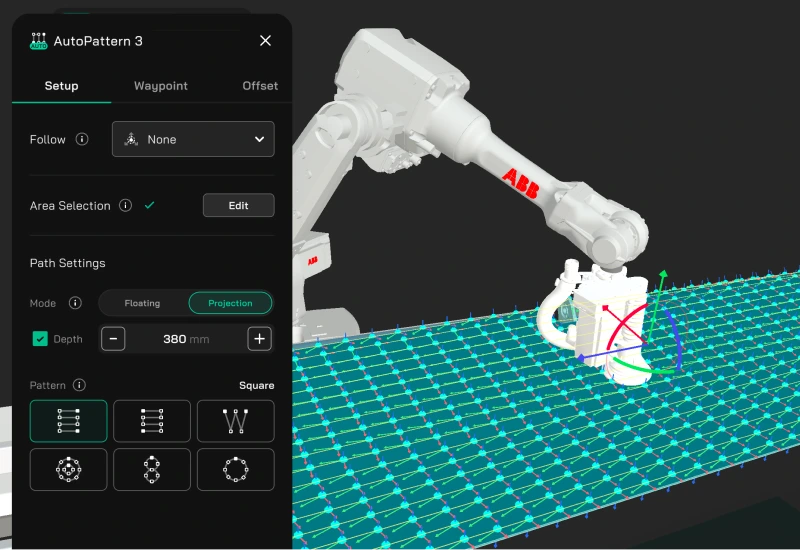
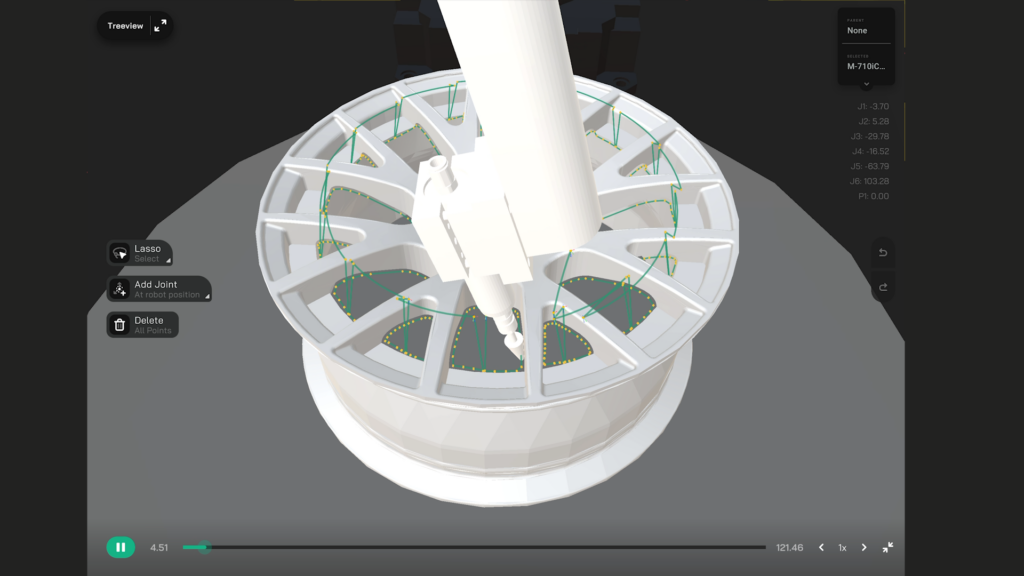
Lay down a preset pattern — square, sawtooth, or circular — across a region for processes. Projection mode wraps the pattern to the surface curvature.
Point and click across surfaces, edges, and patterns — no manual teaching, on the parts you already run.
Start Free Trial →Get a path that runs the first time — without trial-and-error on the robot. PathOpt clears the three problems that stop a generated path from running — reachability, singularity, and collision — and shows you the fix before you commit it.
PathOpt finds a viable configuration for each point and positions external axes — rail, positioner — for you, so there is no manual setting of joint angles.
Holds tool speed steady and keeps the path clear of singular configurations — no manual velocity tuning to get a consistent finish.
Checked against robot, tool, workpiece, fixtures, and boundary before you run.
Optimization you can see and steer — not a black box.
The moves between path segments are setup work you should not have to do by hand. Connector plans them for you — no homing the robot between passes, no teaching a transit move.
Every move is collision- and singularity-checked and holds the right tool orientation for the process.
Spraying, welding, and deburring each need a different kind of transition. Connector picks the right one for your process.
Tune joint and axis weights to protect cables and keep the robot in a stable configuration.
Outputs native programs for major robot brands







Retrofit existing robots or stand up a new cell — Augmentus adapts to the hardware you already run.
Program straight from your CAD. Import a STEP model and AutoEdge follows its true boundary edges — not an approximation off the mesh — while AutoSurface and AutoPattern build coverage from the same geometry.
No CAD? The same point-and-click workflow runs on the 3D scan meshes you already have.
No CAD, inaccurate CAD, or as-built variance? Augmentus Pro adds scanner connectivity and 3D reconstruction, so you scan the part and generate paths on the real, as-built geometry.
When we started this project, I had no idea about robot teaching. With Augmentus’ training and support, I can now build the painting program with confidence. It is extremely easy to use.
Case studies and technical deep dives on how manufacturers use AutoGen and PathOpt to program parts on the production floor.
A relief-valve manufacturer compressed programming time from days to minutes by switching from teach-pendant to scan-driven path generation, reclaiming 93% of robot downtime per SKU changeover.
Read MoreManual edge teaching for deburring and material removal is one of the slowest parts of a finishing cell. AutoEdge generates the toolpath straight from a CAD file, in minutes.
Read MoreExternal axes — turntables, rails, tilters — multiply a robot's reach and dexterity. They also multiply the programming difficulty. Here's why, and how Augmentus' path optimiser handles the synchronisation problem.
Read More