Thermal Spray
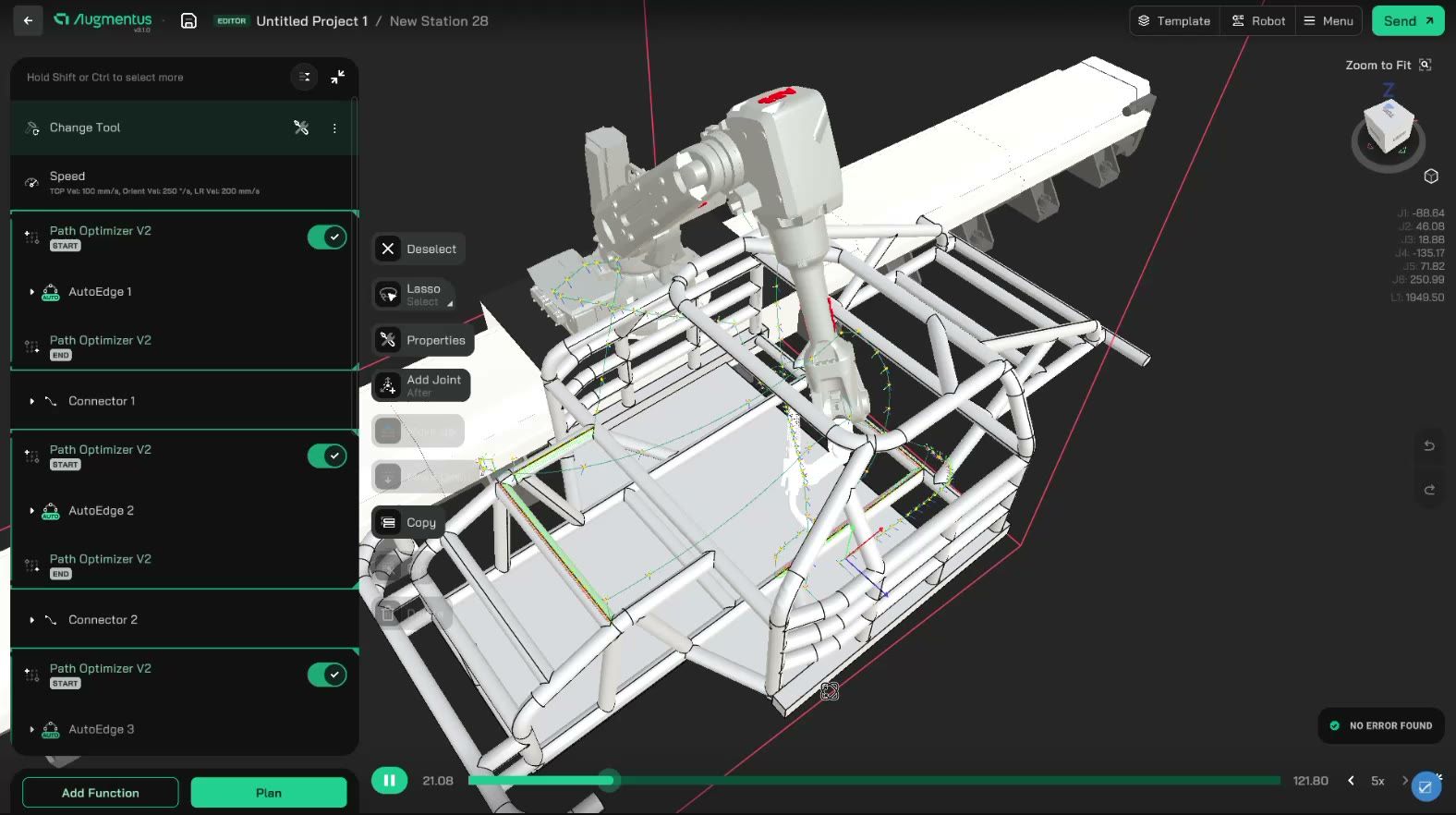
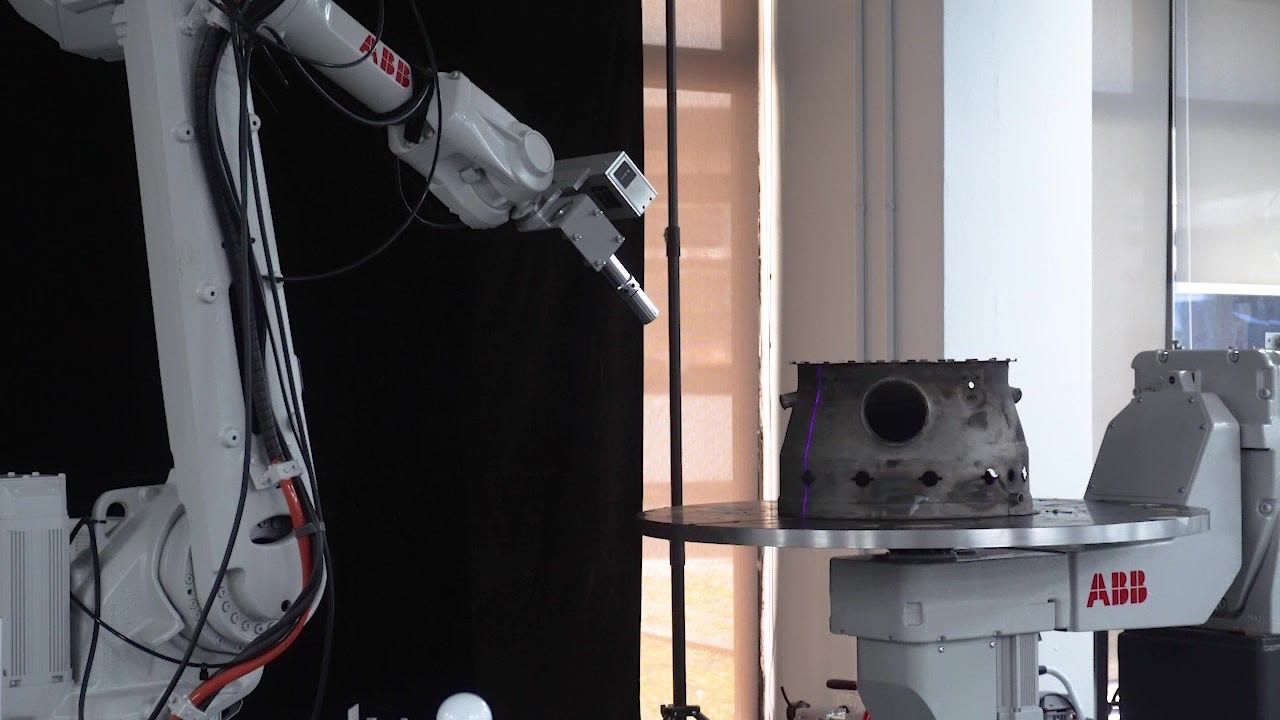
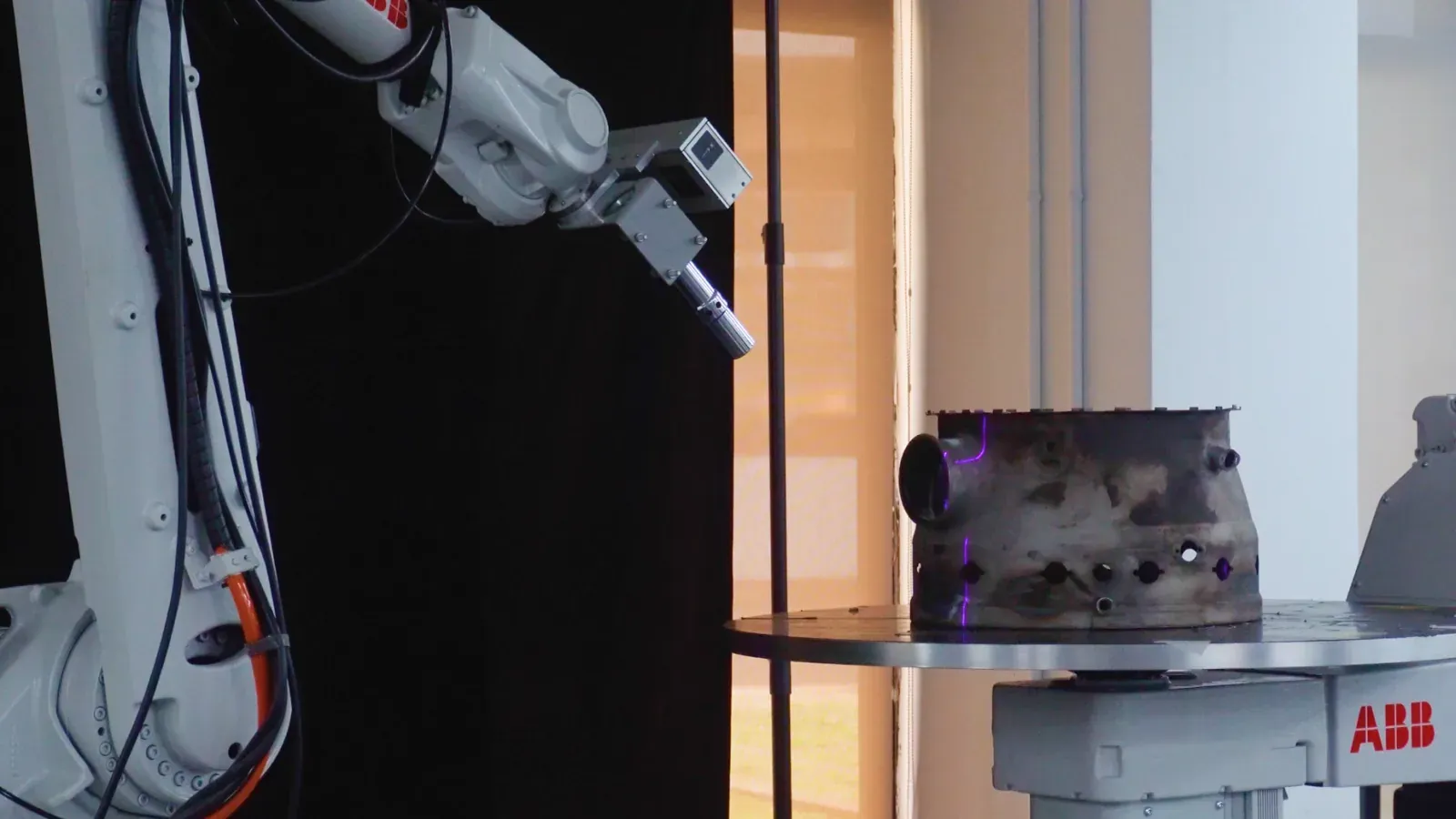
Coating thickness drifts as standoff, speed, or angle shifts. Augmentus generates the path from a 3D scan and holds it steady.




The same point-and-click workflow generates motion for surface work, coating, joining, and inspection, on flat or complex geometry.
Coating thickness drifts as standoff, speed, or angle shifts. Augmentus generates the path from a 3D scan and holds it steady.
Blast any surface with full coverage from a scan that generates the path, no code, operator clear of the booth.
Peening must hold coverage and Almen intensity on a contoured part. Set the parameters in Augmentus and confirm coverage in simulation.
Finish parts that never match with force control that keeps pressure steady, from a scan, no code.
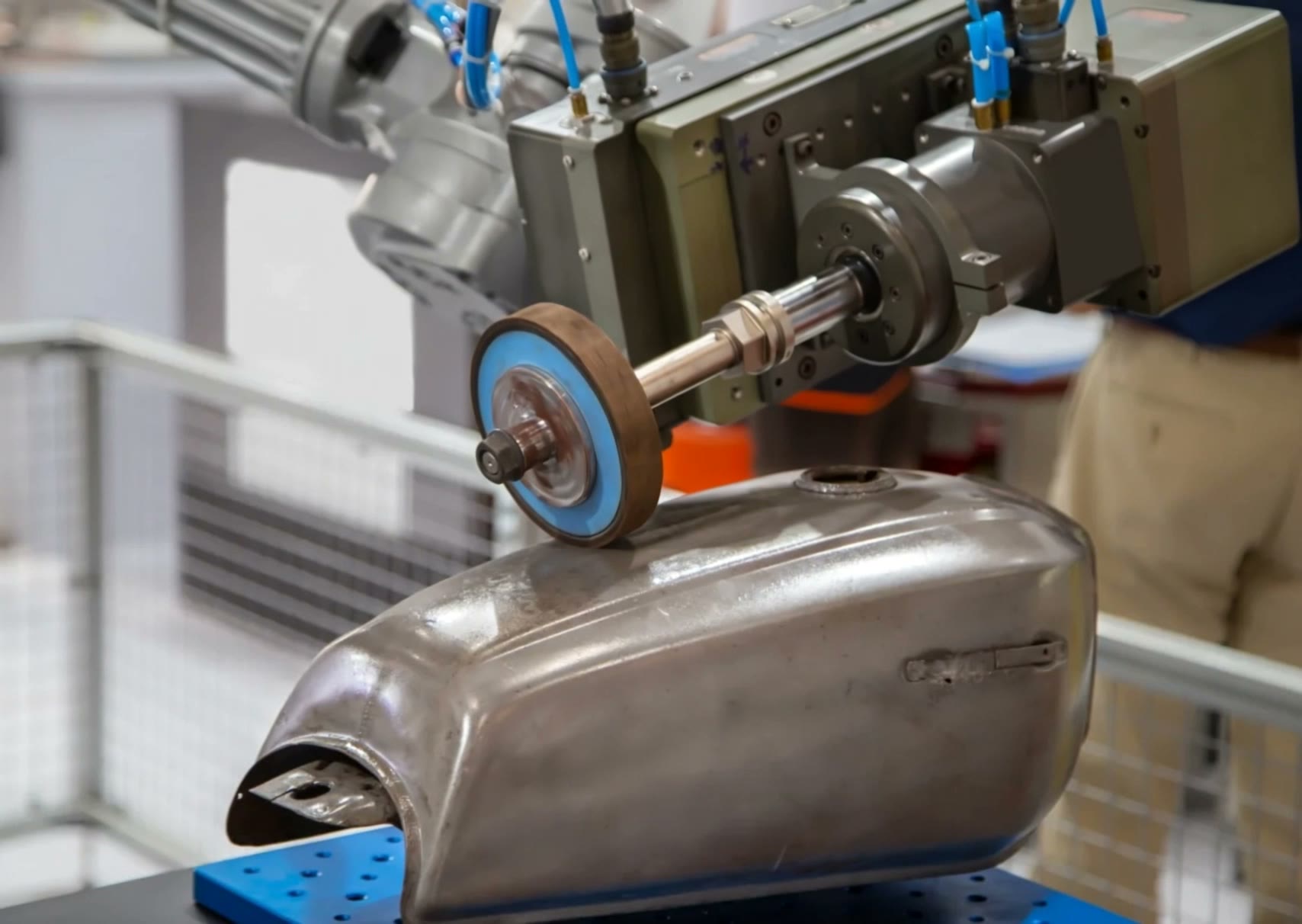
Uneven stock on castings and welds makes a fixed program grind unevenly. Augmentus scans each part and corrects the path for the deviation.
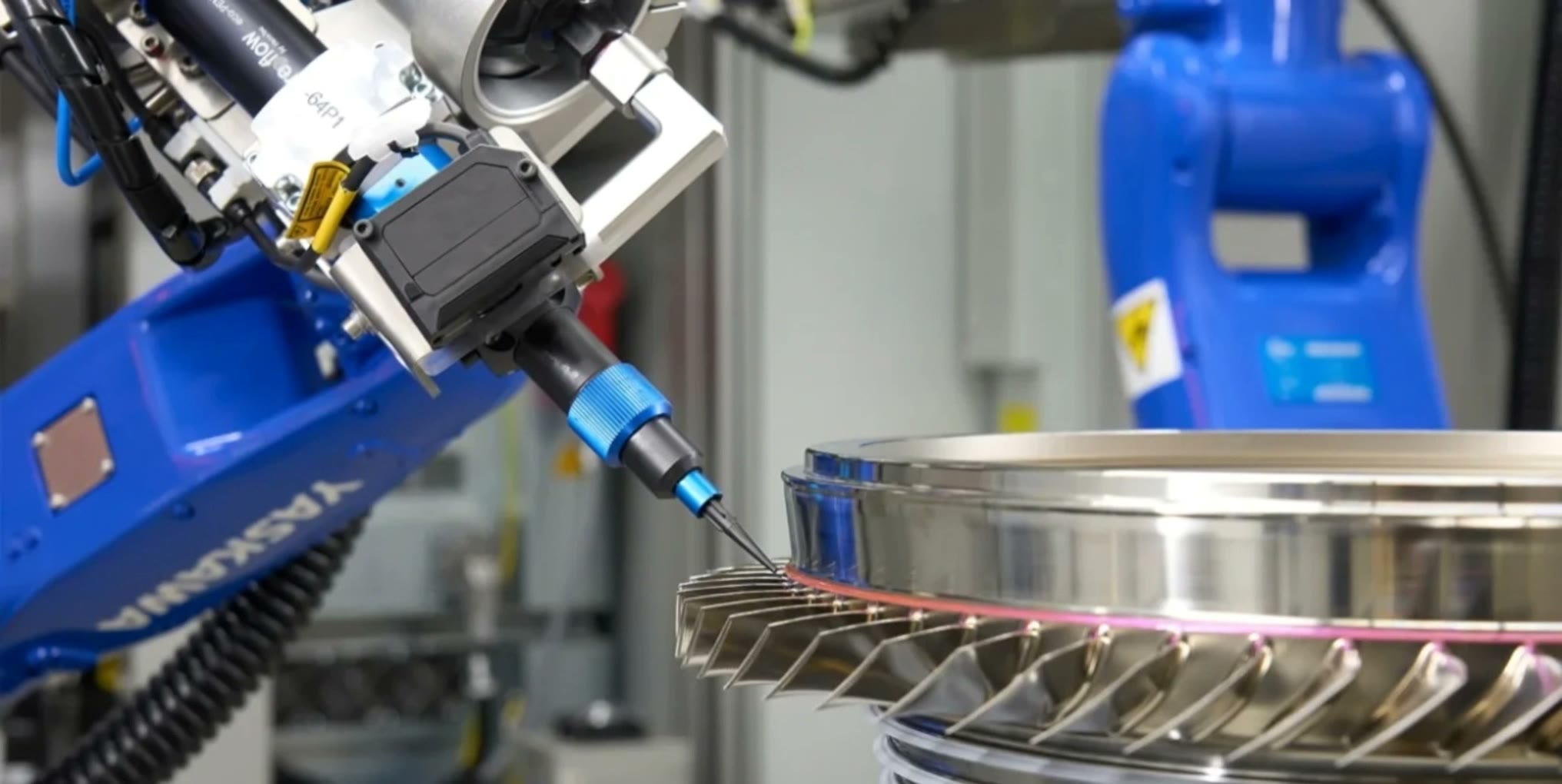
Trace edges with no gaps on the turns, from a scan that generates the bead path.
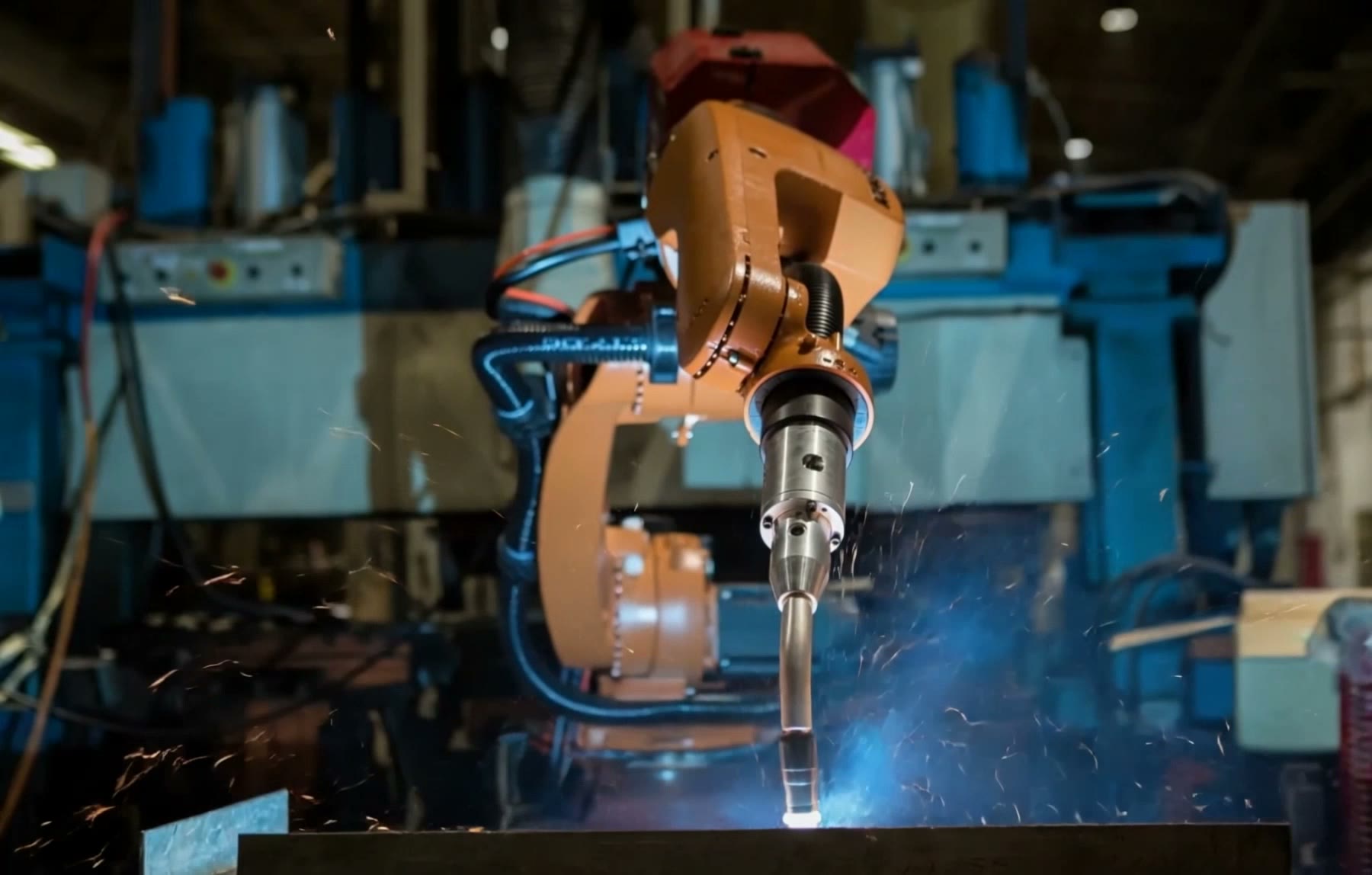
Seams shift part to part, slow to teach by hand. Augmentus finds the seam from a scan, syncs every axis, and welds arc, laser, or cladding.
Programming becomes a step operators can run, and keeps running as parts and fixtures change.
Start with software on your existing cell, or add vision hardware for adaptive, closed-loop automation.
The most direct way to program robots: scan or import CAD, simulate, and output robot programs.
IncludesVision-guided automation with adaptive path generation: everything in Standard, plus 3D scanning hardware.
Everything in Standard, plusConventional offline programming writes a fixed program against a nominal CAD model, then runs it unchanged. These are the core capabilities that set Augmentus apart.
Generate collision-free robot motion by pointing and clicking on the surface you want to process. Run by operators, not robotics specialists.
Build and edit every path by hand on a CAD model.
Paths generate automatically from the surface (no manual teaching or code) and output across robot brands.
Scan the actual workpiece in 3D (or import CAD), then generate from real geometry. Motion aligns to where each part sits, reacts to variation and deviation, and flags defects inline.
A fixed program written for a nominal model, run unchanged for every part.
Built from the scanned part, aligned to its real position, and corrected for deviation on the line.






One line, every part variant, without new fixtures, re-teaching, or a robotics hire on staff. Augmentus turns changeover from a project into a step, so throughput holds as the mix changes.
Motion generates directly from the part, or its CAD, so a new variant doesn't stop the line for manual teaching or a custom fixture.
A closed-loop system checks the actual part and corrects robot motion in the same pass, so results stay consistent even when parts shift or vary.
Your existing operators run it: point and click, no code and no teach pendant. The skills gap stops being a constraint on the floor.
Between every pass in a multi-pass job, the robot has to travel somewhere safe — and placing those moves by hand is slow and easy to get wrong. The Connector plans that transit motion for you: collision-aware, singularity-aware, and optimized.
Read MoreRotary Scanning captures full part geometry as the part turns on a positioner — most parts in a single continuous pass. This post walks the workflow end to end: calibrating the rotary axis, setting up the scan, and turning the captured mesh into robot motion.
Read MorePathOpt Global, Rotary Scanning, Connector, Concurrent Positioner, the Curved profile in AutoSurface, Techman robot support and Custom Colliders. Six of the seven land on Augmentus Standard; Rotary Scanning is the one that needs Pro.
Read MoreStart free on your own robot, or talk to us about vision-guided and on-prem deployments.