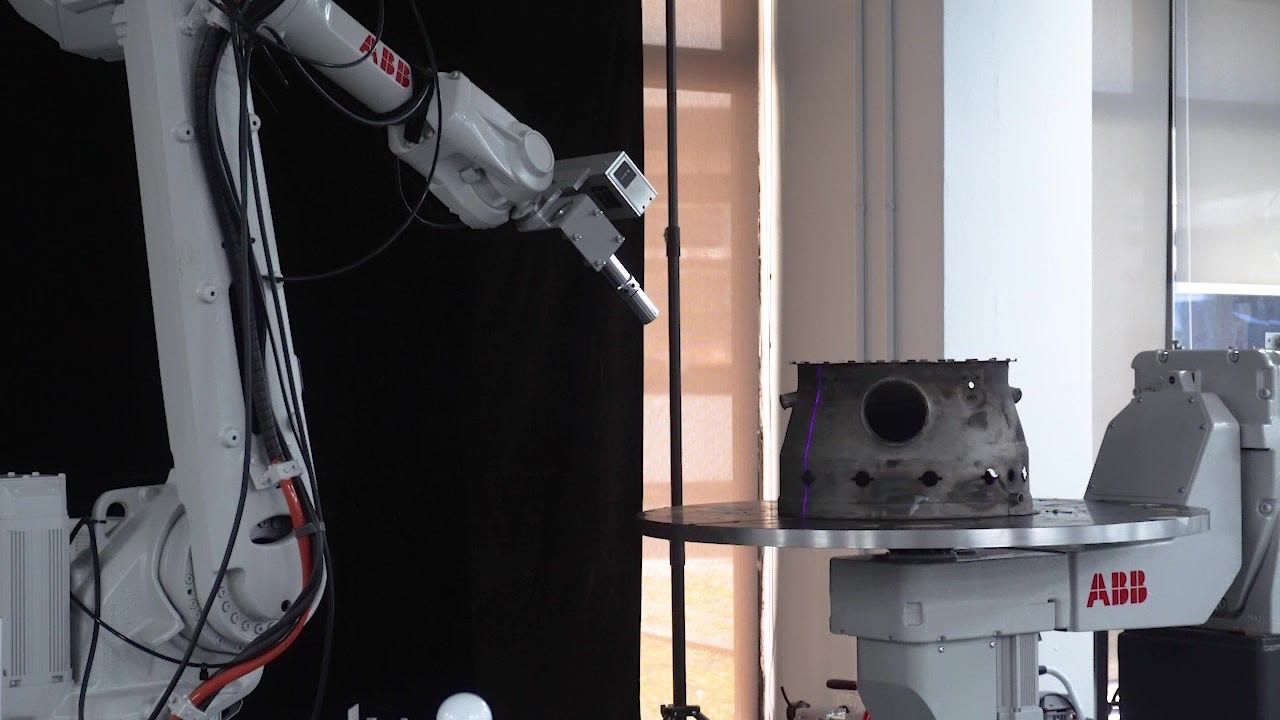
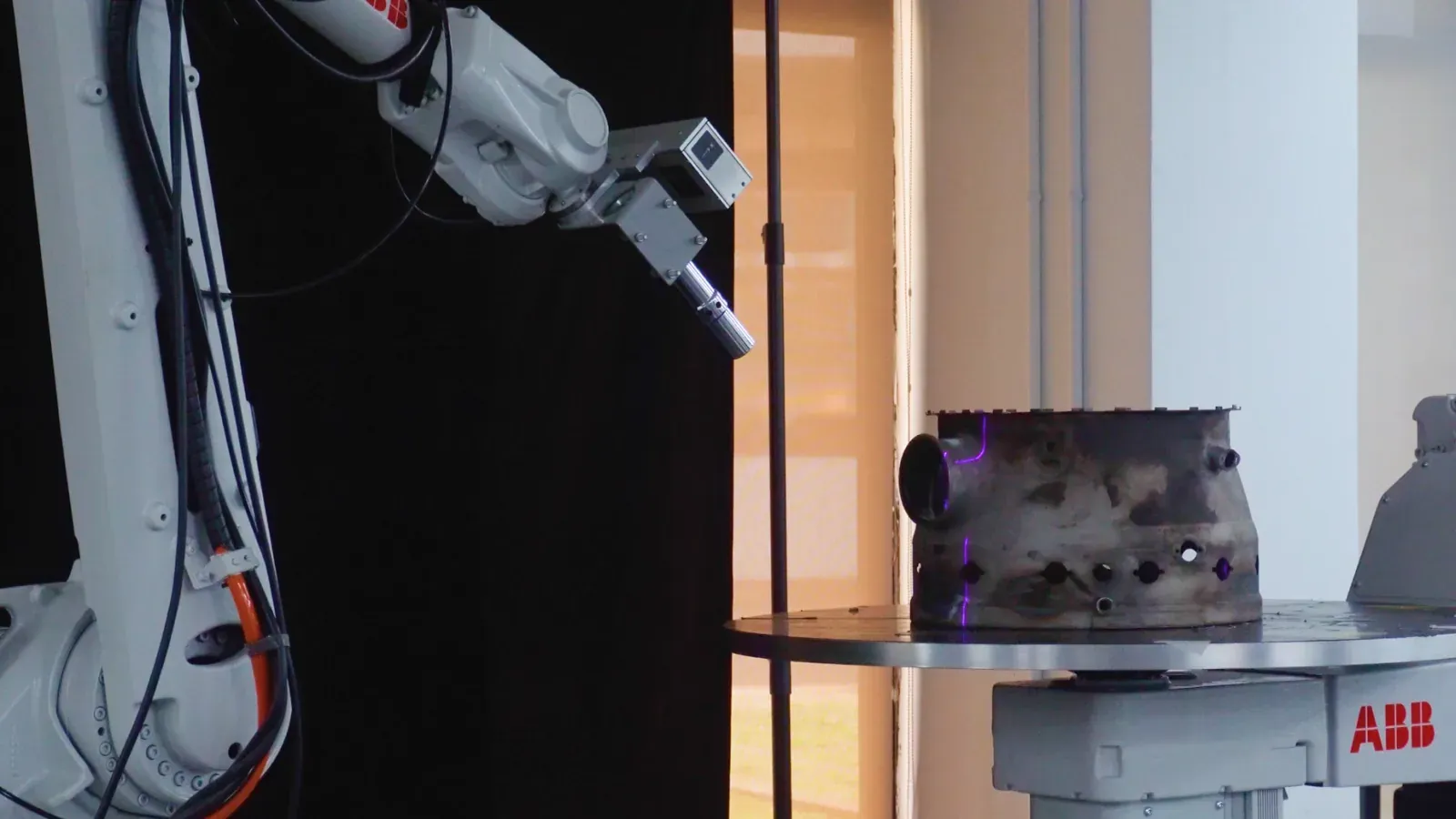
No More Hand-Placed Waypoints. Safer Moves Between Passes.
A closer look at how the Connector plans transit motion in Augmentus.
Safe Moves Between Passes Should Not Be a Manual Job
Most finishing, spraying, and welding jobs are a stack of passes, not one continuous path. Between each pass, the robot has to travel somewhere safe — without hitting the part, the fixture, or a joint configuration (a singularity) that stalls it mid-move.
Traditionally you plan those moves by hand: drop in intermediate waypoints, then check every one for collisions and reachability. It is slow, easy to get wrong, and the points you place are never optimized — just the ones you happened to teach.
Stop Placing Transit Waypoints by Hand
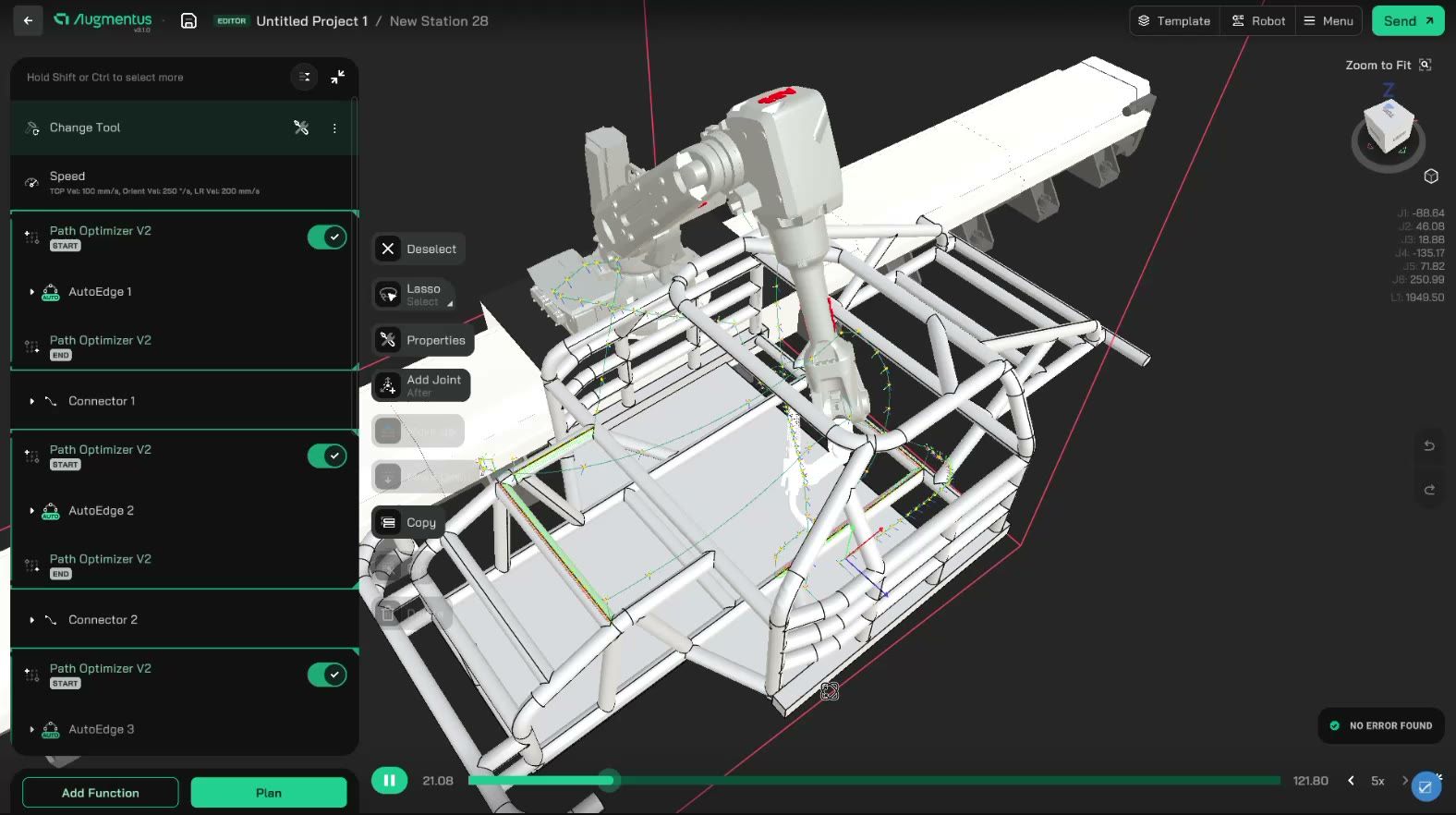
Add a Connector between two passes and it plans the whole move for you — no hand-placed intermediate waypoints, no manual collision checking. It is a utility that automatically plans safe transit motion between two auto-generated paths.
- Less manual setup — you no longer hand-place intermediate waypoints and check each one for collisions and reachability; the Connector plans the whole transit move.
- Safer motion — every planned path is collision-aware and singularity-aware, so the transit clears the part and avoids joint configurations that would stall the robot.
- Reduced cycle time — the planner takes a direct route between passes instead of routing through a home position, which trims travel time and reduces material waste in processes such as painting and blasting.
A Transition Tuned to Your Process
A safe transition is not the same move for every job. A painting pass and a deburring pass hold the tool and use the joints differently, so the Connector plans with the application in mind.
When you add the first Connector, you pick the process and it loads cost-function weights tuned for that job: Sandblasting, Painting, Thermal, Welding, Sanding, Polishing, or Deburring. Every later Connector inherits that choice.
Need tighter control? Adjust the individual weights or add an orientation constraint to steer joint usage and tool orientation between passes.
You Choose the Transit, Not the Software
The Connector does not commit to one answer. Click Compute Solutions and the Planner Council runs several algorithms in parallel, scores each collision-free route, and lets you preview any of them as a ghost-robot animation. You pick the transit that fits your cell, not just the first one found.
Set Up Without a Programming Session
Adding a Connector is a short sequence, not a programming task: from Add Function, choose Utility then Connector, and drop it between the two paths you want to link. Pick the process once — the first Connector asks, the rest inherit it.
One Optimized Path Stack, From Pass to Pass
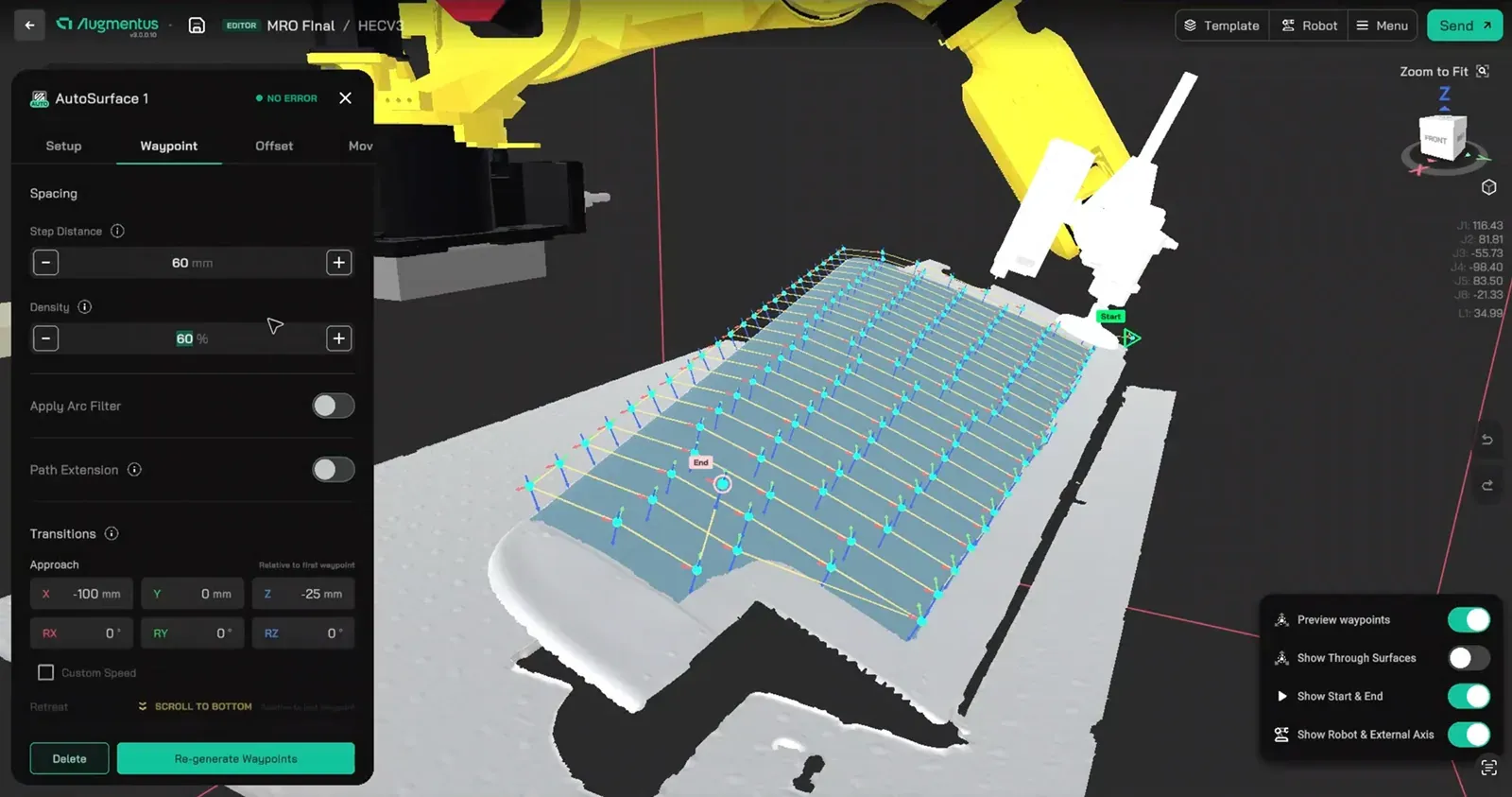
The Connector is one link in a connected workflow. AutoGen (AutoSurface, AutoEdge, AutoPattern) generates the process paths straight from the part geometry, and the Connector plans the moves that join them. On a cell with a linear rail or positioner, it plans that external axis into the same move, so you do not choreograph the rail or positioner and the robot arm by hand.
The difference from hand teaching: a manual transit move is left un-optimized, but the Connector's paths are planned and optimized — the same discipline the Path Optimizer brings to the process paths. And it keeps itself honest: if an adjacent waypoint changes, it flags itself stale, so a transition never silently drifts out of sync. You re-generate, and it replans.
Less Hand-Tuning for Operators, Cleaner Commissioning for Integrators
For end users, the Connector removes the fiddly part of a multi-pass program — add one between two passes and let it plan the move, instead of teaching intermediate points by hand and checking each for collisions. For system integrators, it means commissioning multi-pass cells — painting, blasting, welding — with collision-aware transitions between every path, without hand-tuning the moves between passes for each new part.