Industrial robot programming: a beginner's guide
What it takes to program an industrial robot in 2024 — and what's changed in the last five years.

The conventional wisdom on industrial robot programming is that it requires a dedicated specialist — someone fluent in RAPID, KRL, INFORM, or whichever brand language the controller speaks. That used to be true. It's becoming less true every year.
The four methods you'll encounter
Most industrial robots are programmed in one of four ways:
- Teach pendant. An operator drives the arm through waypoints by hand. Cheap to start, slow to scale.
- Manual code. Engineers write the program in the controller's native language. High control, high skill barrier.
- Offline programming (OLP). Programs are simulated in software like RobotStudio or RoboGuide, then deployed.
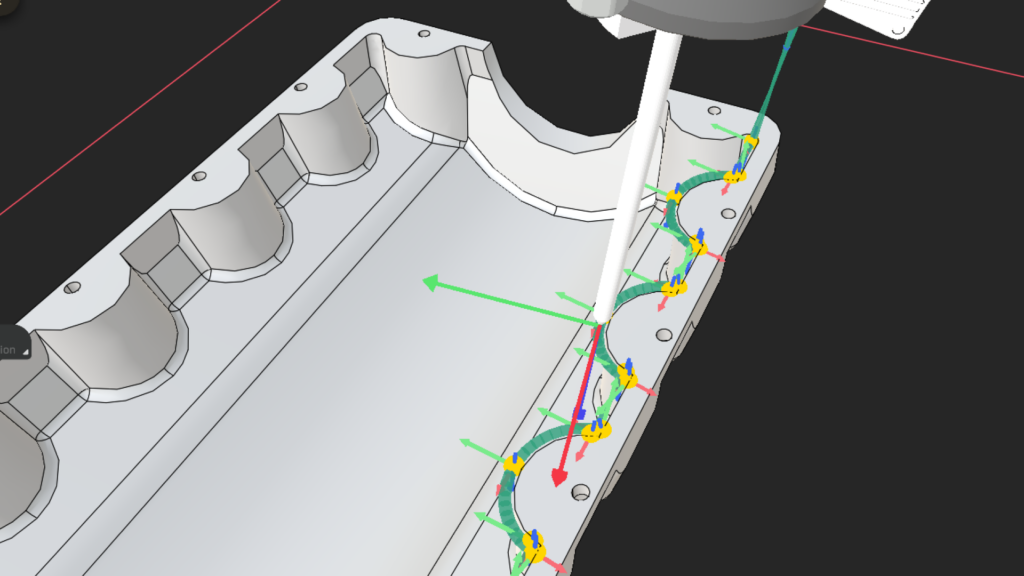
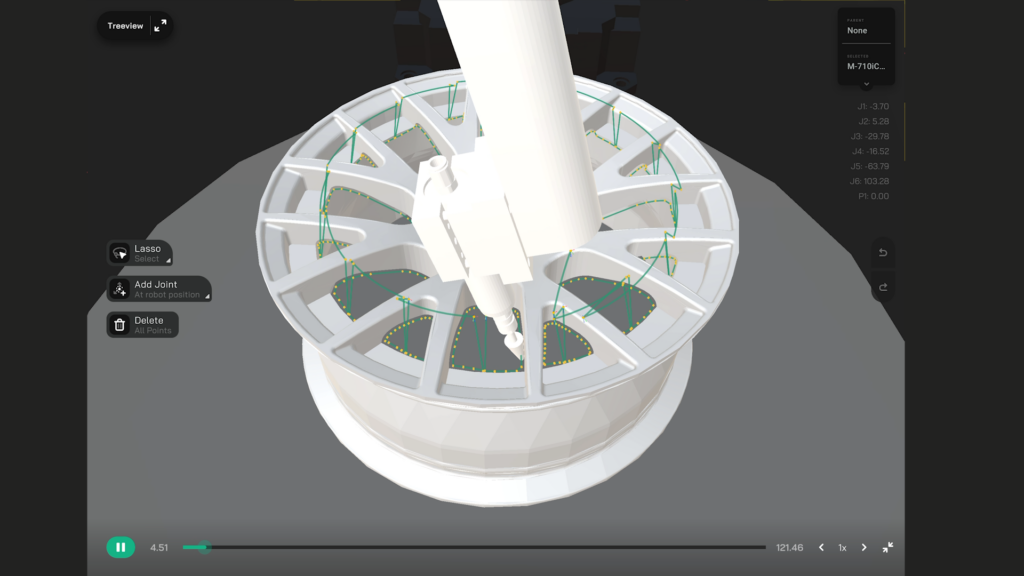
- No-code generation. Modern platforms generate the program from CAD or a 3D scan of the actual part.
Each method has its place. Pendant teaching still works for stable, high-volume work. OLP shines for long-running production where the simulation investment amortises.
Where no-code wins
The recurring cost of programming has historically been the limit on robot adoption in high-mix manufacturing. Every new variant means programming time, and that overhead eats into ROI.
No-code platforms collapse the programming step. You describe the process — finishing, welding, deburring, blasting — and the system generates the program from the geometry. The first variant takes the same effort as the hundredth.
A practical starting point
If you're new to industrial robots, don't start with the controller language. Start with the process you need to automate, then look at what the integration cost and programming cost are for each approach. The right answer might not be pendant teaching, even if it's the default.